Lights Out
by KitsuneDen · v0.5.1
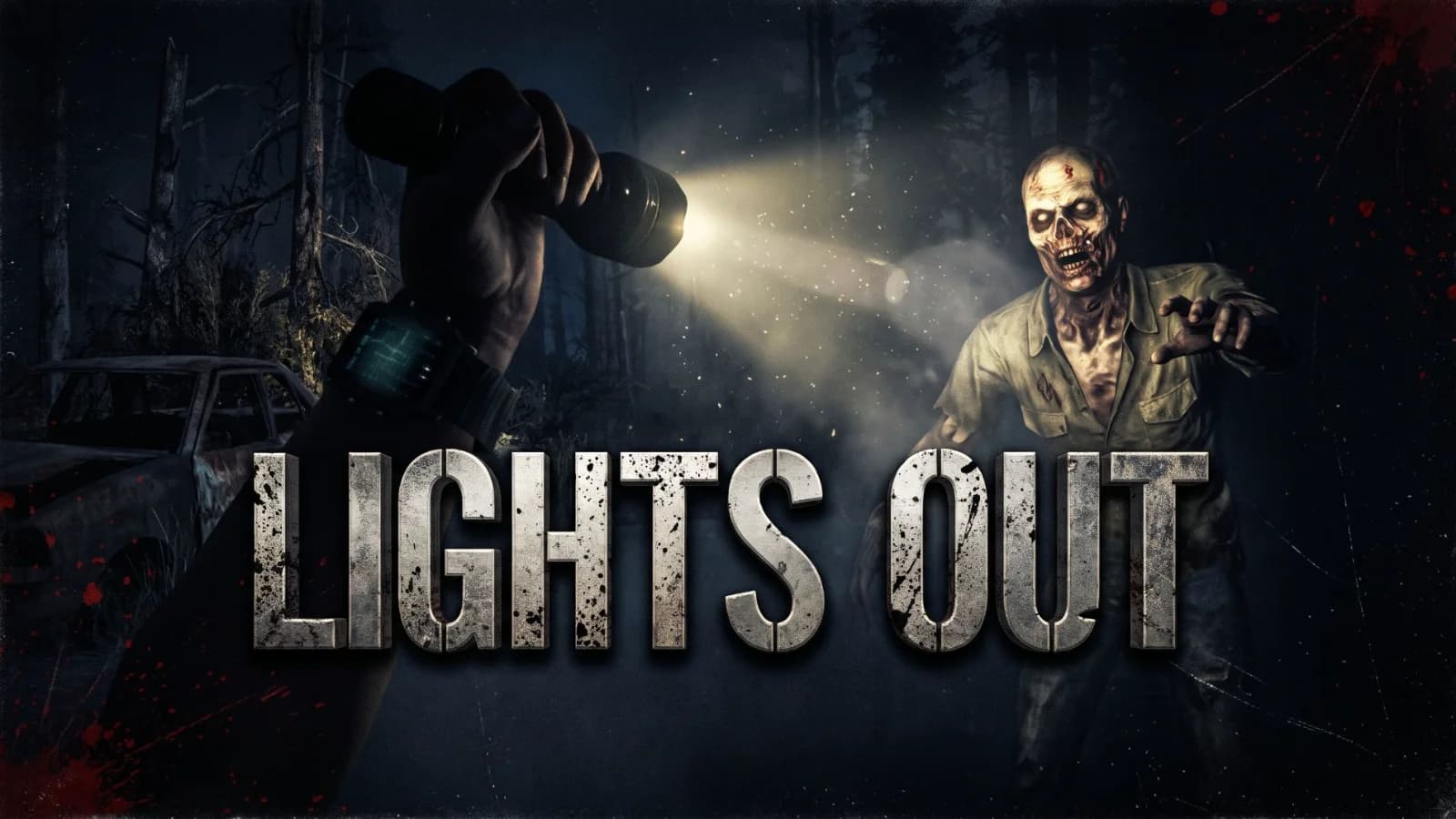
The sun is gone and it's always night. Lights Out plus the Kitsune Den mods that make the long dark worth surviving: KitsuneUI, Shugyō skills, trap XP, a house cat and a radio.
ABOUT
Project Parasol closed the mirrors and the sun never came back. Every hour of every day is the middle of the night, the moon is the only light left, and the dead act like it's night because it is. This pack is a full playthrough built around Kitsune Lights Out. The dark - Kitsune Lights Out 0.3.1: perpetual night, the seven night moon cycle, always-night zombies, the map blackout and the Project Parasol story in 45 loading tips. - Kitsune Blood Moon Music: music for the red night, and it stops at dawn. Drop your own tracks in its Music folder. Surviving it - Kitsune Shugyō: you get better at what you do. Attributes and crafting skills level from practice. - Kitsune Trap XP: trap kills give you full XP, no perk needed. - Kitsune Spikes Extended: steel spike traps, and cone spikes you can soak in fuel and set alight. - Kitsune Craft From Containers: crafting, repairs, upgrades and reloading pull from nearby storage. - Kitsune More Sloots: more forge input, crafting queue and workstation output slots. Your UI - KitsuneUI with Settings, Job Preview and the 20 slot toolbelt. - KitsuneUI Server Policy, set up for Lights Out: the minimap, coordinates and creature dots are off, because the satellites are blind too. Home in the dark - Kitsune House Cat: a cat for your base. She follows you round at home and zombies never notice her. - Kitsune Radio: DJ Clem on your server, with now playing in chat, song requests and a radio block that plays in the world. - Kitsune Appliances: stoves that cook, lockable fridges and sinks for water. - Good Times Posters: pictures for the walls. For server owners - Traders keep their normal hours. To keep them open all the time, set the Trader Hours sandbox option to Always Open (on a dedicated server it goes in the SandboxCode in serverconfig.xml). - Lights Out writes its settings.txt the first time the server starts. The lightsout console command changes the moon strength, the blackout and the broadcast for everyone at once. - If you turn the blackout off, remove the three force lines in KitsuneUI_ServerPolicy/Config/ui_display.xml to give players their minimap back. For V3.4. EAC off.
SERVERS RUNNING THIS PACK
Install Lights Out
v0.5.1 · 582 files · 94 MB
Heads up: 7 Days to Die loads these mods for every server you join, not just this one. Joining through the launcher switches your mods to match each server; joining from the game's own server list doesn't. Stuck on "Starting game" somewhere else? That server doesn't run these mods: switch to vanilla in the launcher, or move them out of %APPDATA%\7DaysToDie\Mods.
Manual install instructions
- Download the ZIP above and extract it.
- Move the extracted pack folder into your game's
Mods/directory.Windows: %APPDATA%\7DaysToDie\Mods\Steam install: <Steam>\steamapps\common\7 Days To Die\Mods\ - The
_packrelay-manifest.jsonfile inside the ZIP is the signed manifest — keep it for integrity verification. - Launch 7 Days to Die. The pack loads on next world start.
These mods stay on for every server. 7 Days to Die loads everything in %APPDATA%\7DaysToDie\Mods whichever server you join. Before joining a server that doesn't run this pack, move them out of that folder, or you can get stuck on "Starting game". The launcher does this switching for you.
The launcher handles installs, updates, integrity verification, and pack switching — no folder shuffling. Need the launcher?